
Wix SEO Expert
Wix SEO Service for Business Owners Who Deserve to Be Found
You built something real. Let’s make sure the right people can finally see it.
I’m a freelance web designer who helping businesses show up online. My Wix SEO service is for owners who did the hard part, building a great Wix website, and now want Google to send them the customers who are already searching.
No jargon. No pressure. Just honest work on your Wix site, explained in plain English.
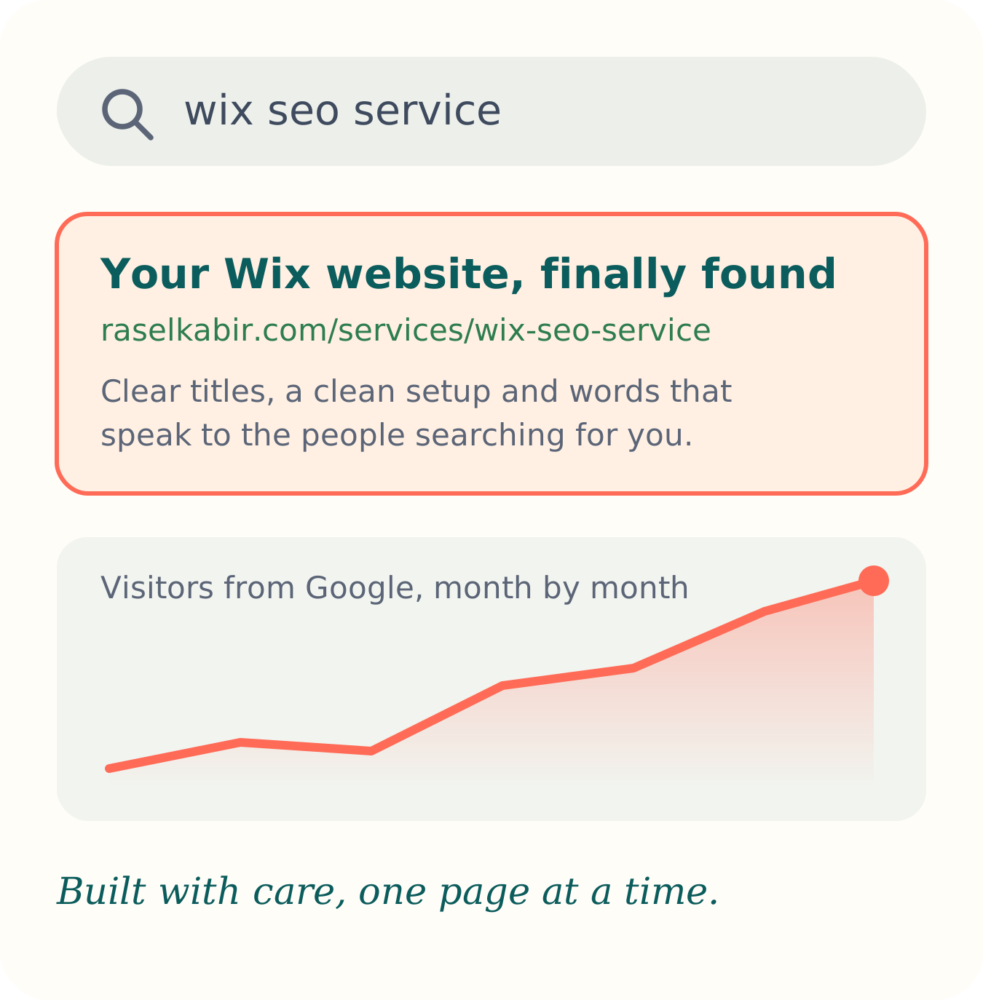
You Poured Your Heart Into Your Website. Then Came the Silence.
Maybe you remember launch day. You picked the colors, wrote every line, and chose each photo. You hit Publish, and you felt proud.
Then you waited.
A week passed, then a month. Your analytics barely moved. You Googled your own business and couldn’t find it, or you found it on page six, where nobody ever looks.
Quietly, a worry crept in: Was it all for nothing?
It wasn’t. And you are not behind. You simply built the shop but nobody has given directions to the door yet.
That’s what SEO does. It tells Google who you are, what you offer, and who should see you. My Wix SEO service is that, done carefully, by someone who has seen this exact moment many times and knows how to fix it.
Is Wix Bad for SEO?” Let’s Clear Up the Biggest Myth
You may have heard that Wix can’t rank. That reputation is old, and it’s mostly wrong today. Here is what’s true:
What Wix gives you:
Where Wix needs a careful hand:
The honest answer: Wix can rank very well. Most sites just never get the setup. The tools are there, but nobody turned them on properly. That’s the work I do.
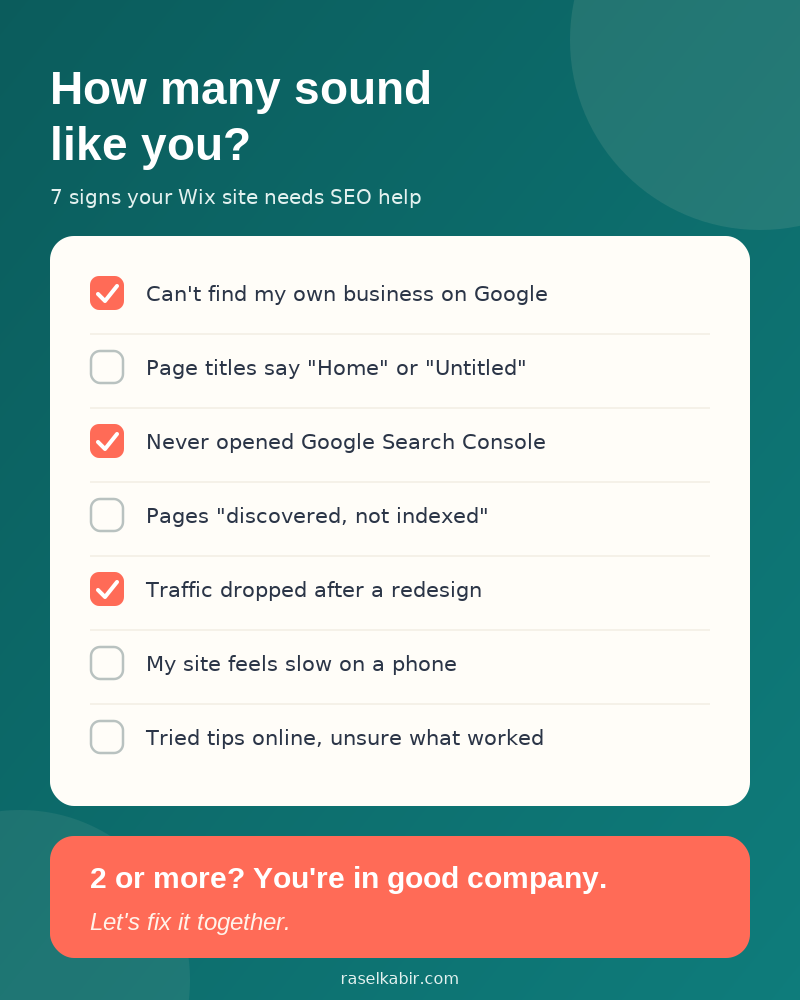
7 Signs Your Wix Site Needs a Wix SEO Expert
You don’t need to be technical to spot these. Read the list and notice how many sound familiar:
- Searching your business name and city doesn’t show your site. If you can’t find yourself, neither can your customers.
- Your page titles say things like “Home” or “Untitled.” Google reads these first.
- You’ve never opened Google Search Console. It’s like owning a shop and never looking at who walks by.
- Search Console shows “Discovered – currently not indexed.” Google knows your pages exist but hasn’t added them.
- Your traffic dropped after a redesign or a move to Wix. This usually means lost redirects or changed URLs.
- Your site feels slow on a phone. Visitors leave quickly, and Google notices.
- You’ve followed tips from YouTube but have no idea what worked. That uncertainty is exhausting, and it’s fixable.
Matched two or more? You’re in good company, and there’s a clear path forward.
What My Wix SEO Service Includes
Here is what I can do for your Wix site, depending on your package:
Wix SEO audit
I review indexing, page titles, headings, speed, mobile layout, redirects, and what Google sees. You get a clear, ordered to-do list, not a 90-page report.
Keyword research and page mapping
I research the exact searches your customers type into Google, then give every key page one clear job so it can rank.
On-page Wix SEO
I write your titles, meta descriptions, headings, image alt text, and clean URLs, with every change made safely inside your Wix dashboard.
Technical fixes
Indexing issues, duplicate pages, noindex mistakes, sitemap checks, and robots.txt review. When URLs change, I set up proper 301 redirects.
Structured data
I review Wix’s automatic markup and add custom markup where it helps, for example FAQs and services. I test it with Google’s Rich Results Test.
Speed and mobile clean-up
I fix mobile layout problems first, then compress heavy media and trim bulky elements, so your Wix site loads fast and feels smooth on phones.
Content and internal links
I improve your service page copy, suggest blog topics, and connect pages with internal links so visitors and Google find your best ones.
Search Console and Analytics setup
I connect Google Search Console and Analytics, submit your sitemap, and teach you to read the numbers in plain English, so you know what’s working.
SEO-safe migration
Moving to Wix from WordPress, Squarespace, or another platform? My website migration service protects your rankings with a redirect plan.
The FIND Method: How I Make a Wix Site Easy to Find
Every Wix SEO project follows four steps. I call it the FIND Method, because that’s the whole goal.
Fix the Foundation
We start with the basics Google needs: clean titles, working redirects, proper headings, and no indexing mistakes. These fixes are often the fastest wins.
Index and Inspect
I connect Search Console, submit your sitemap, and check that Google can see every page you want found, and none you don’t.
Name Your Keywords
I research what your customers really type, then match each page to one clear search. No guessing, no keyword stuffing.
Deliver and Develop
I improve your content, build helpful internal links, and plan new pages or posts that grow your visibility month after month.
At the end, you get a plain-English summary of what changed and what to do next.
Typical timeline: [7–10 business days for one-time setup. Confirm after your free check.]
Start with Step F, a free quick look →
Beautiful Design and Good SEO Can Live Together
Here’s something most SEO specialists can’t offer: I’m also a web designer. I know how Wix pages are built, so I can fix problems ahe source without breaking the look you love.
These are common design habits that quietly hurt Wix SEO:
Love your design?
I’ll protect it. Any change that affects how your site looks gets your approval first.
Need a redesign too? Explore my Wix web design service, where SEO is built in from the start. Or read why a designer with graphic skills can make your brand stronger.
These are common design habits that quietly hurt Wix SEO:
Get Found on Google, on Maps, and in AI Answers
People no longer find businesses in only one way. They search Google, check maps, and ask AI tools for recommendations. A good Wix SEO service helps you show up in all three.
Local search. If you serve a city or region, I help your site support your Google Business Profile with clear location details, local keywords, and location pages when needed. Not appearing on the map? Read why your business may not show in Google Maps.
AI search. I make your content clear and easy to understand with straight answers, helpful FAQs, and consistent business details. I’ll also show you how to use Wix’s AI visibility tools if your plan includes them. No one can promise a spot in an AI answer, but clear content gives you the best chance.
What I Promise, and What I Never Will
SEO has a trust problem. Too many people promise the moon. Here’s how I work instead.
I promise to:
- Explain every change in plain English
- Treat your business like it’s my own
- Show you real numbers from your own Search Console, not vanity reports
- Tell you honestly when something won’t help
I will never:
- Guarantee a #1 ranking, because no one honestly can
- Buy spammy links or use shortcuts that could harm your site
- Change your design without your say
- Hide costs or hand you a surprise invoice
See what clients say in my testimonials, or explore real case studies and my portfolio.
A Note From Me, Before You Decide
I started building websites in 2015, and I still remember how it feels when a client sees their site live for the first time. It’s pride. It’s relief. It’s hope.
The hard part is when the traffic doesn’t come. I’ve seen how that can feel, especially for small business owners and freelancers who have put real money and real hours into their website.
You don’t need to figure this out alone. You don’t need to understand algorithms or learn a hundred tools. You just need someone patient, honest, and good at this who will walk with you.
That’s what I do. If you’re curious whether your Wix site can do more, send it my way. I’ll take a look, tell you the truth, and we’ll go from there.
Rasel Kabir
Freelance Web Designer & SEO · 11+ years · 200+ projects

Wix SEO Service: Frequently Asked Questions
A Wix SEO service improves how your Wix website appears in Google so more of the right people find you. You may not need one if your site is new and your market is quiet. You’ll benefit if you’re competing for valuable searches, have lost traffic, or just don’t have time to learn it yourself.
Wix is good for SEO when it’s set up properly, and most business sites don’t need to switch. WordPress gives more technical control, but Wix handles hosting and many basics for you. Switching only makes sense if you need features Wix can’t provide. If you do move, my WordPress web design and migration services keep your SEO safe.
Small fixes, like better titles, can show in a few weeks once Google recrawls your pages. Steady growth for competitive searches usually takes 3–6 months. I’ll show you how to track progress in Search Console.
No, and I’d be wary of anyone who does. Google decides rankings. What I guarantee is careful research, honest work, and clear reporting.
Your website link, a collaborator invite to your Wix site with limited permissions, access to Google Search Console (if you have it), and a few details about your services and customers. I never need your password.
Not unless it must, and never without your approval. Most SEO work happens behind the scenes: titles, redirects, settings, and structure. If a design change would help, I’ll explain why and you decide.