Hire a Web Designer with Graphic Design Skills: 7 Key Benefits
Your website is often the first place potential customers learn about your business. Before contacting you, visitors may look at your website to understand your services, experience, and professionalism. A poorly designed website can make people leave, even when your business offers excellent services.
That is why it is important to hire a web Designer who also has graphic design skills. This combination brings visual creativity and website design knowledge together. You can create a website that looks professional, communicates your message, and provides a better experience for visitors.
A skilled web designer understands more than colors and layouts. They know how to organize information, choose suitable fonts, use images effectively, and guide visitors toward important actions. Graphic design skills make these decisions more thoughtful and consistent.
Whether you need a new business website, an online store, or a website redesign, choosing the right professional can make a real difference.
In this article, we will explore seven important reasons to hire a web Designer with graphic design skills and explain how to choose the right person for your project.
Why Should You Hire a Web Designer with Graphic Design Skills?
A website needs more than attractive colors and images. It should communicate your brand identity and help visitors find what they need. A professional who understands both web design and graphic design can bring these elements together.
For example, a business website may need a clear homepage, attractive service sections, branded graphics, and effective calls to action. When these elements work together, visitors can understand your business more easily.
A designer with graphic design experience can also help maintain a consistent appearance across your website. This includes typography, icons, images, banners, buttons, and other visual elements.
Here are seven reasons to consider hiring a professional with both skill sets.
1. Create a Professional and Attractive Website
First impressions matter in business. When someone visits your website, its visual appearance can influence how they perceive your brand.
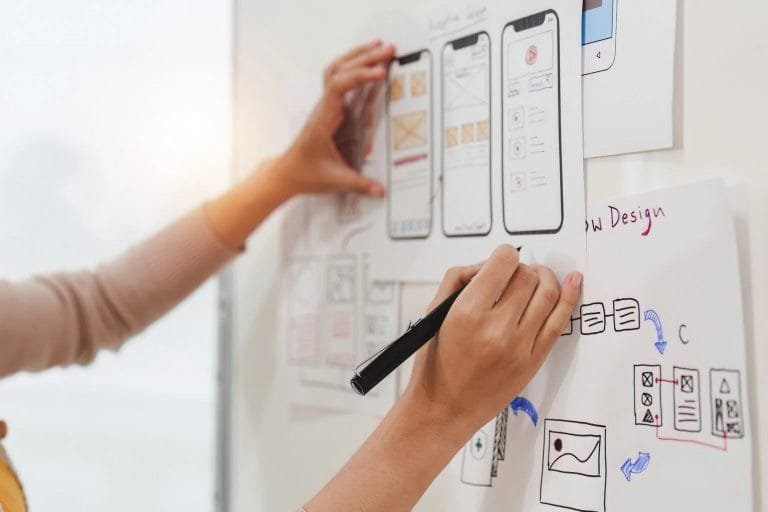
A professional web Designer with graphic design skills knows how to create a balanced and attractive layout. They understand how to combine colors, fonts, images, and white space to make a website look clean and professional.
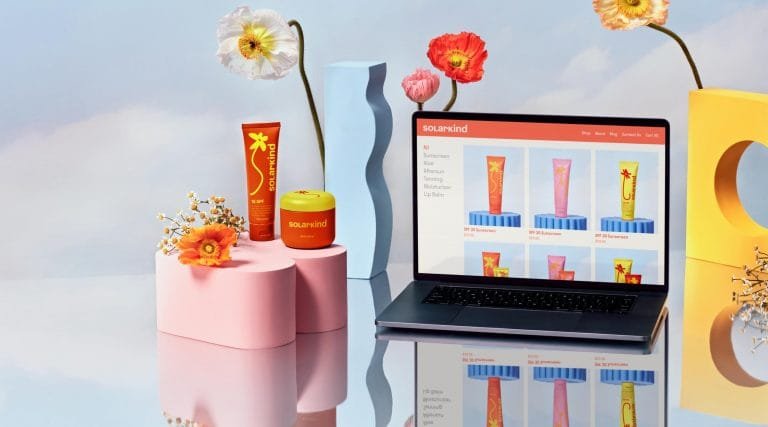
For example, a consulting business may need a simple layout with clear headings and professional photographs. An online store may benefit from strong product images, organized categories, and noticeable shopping buttons.
Each business has different needs. Therefore, your website should reflect your industry, audience, and goals rather than look like a generic template.
A designer can also create custom banners, icons, and other graphics that make your website more distinctive.
However, attractive design should never come at the expense of usability. Visitors should still be able to read your content, navigate between pages, and contact your business without confusion.
The result: A professional website that presents your business clearly and creates a positive first impression.
2. Build a Strong and Consistent Brand Identity
Your brand identity helps people recognize and remember your business. It includes your logo, colors, typography, imagery, and overall visual style.
When these elements change from one page to another, your website can feel inconsistent. Visitors may find it harder to recognize your brand or understand your message.
A web Designer with graphic design experience can help you create a consistent visual identity across your website.
For example, they can select a suitable color palette, choose readable fonts, design branded graphics, and establish consistent styles for buttons and headings.
They can also make sure your website works well with your existing logo and marketing materials.
This consistency can extend to landing pages, social media graphics, email banners, and promotional images. As a result, your business can maintain a recognizable appearance across different online platforms.
You do not always need to redesign your entire brand. Sometimes, improving the way your existing visual elements work together is enough.
A strong brand identity also supports trust. When your website looks organized and professional, visitors have a clearer understanding of who you are and what you offer.
3. Improve User Experience and Website Navigation
A beautiful website is not useful if visitors cannot find the information they need.
User experience, often called UX, focuses on how people interact with your website. It includes navigation, readability, page structure, buttons, forms, and the overall browsing experience.
A skilled web Designer considers these factors while creating the visual layout.
For example, a service-based business should make its services easy to find. Important information, such as pricing details, customer testimonials, and contact options, should be placed where visitors can discover it naturally.
Graphic design skills also help create a clear visual hierarchy. This means using headings, spacing, colors, and font sizes to show visitors which information matters most.
A good designer will avoid unnecessary decorations that distract people from your main message. They will also make buttons and links easy to recognize.
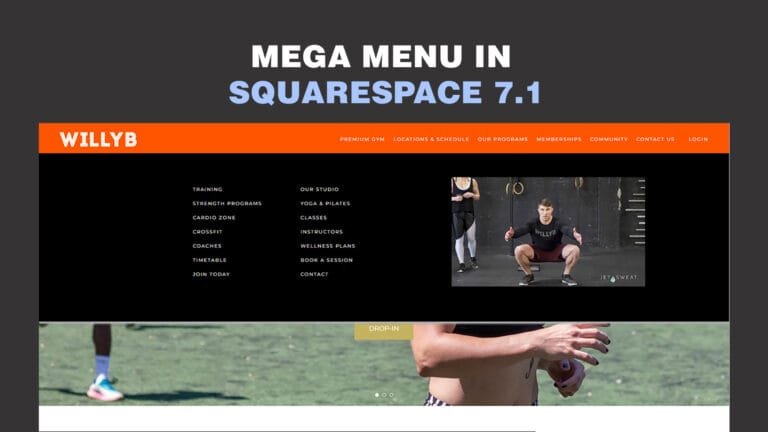
Simple navigation helps visitors move between pages without getting lost. Clear page layouts make information easier to scan.
These improvements can help people explore your website with less effort. They may also encourage visitors to take the next step, such as requesting a quote or booking a consultation.
For additional guidance, see Yoast’s article about SEO and user experience.
4. Make Your Website Responsive on All Devices
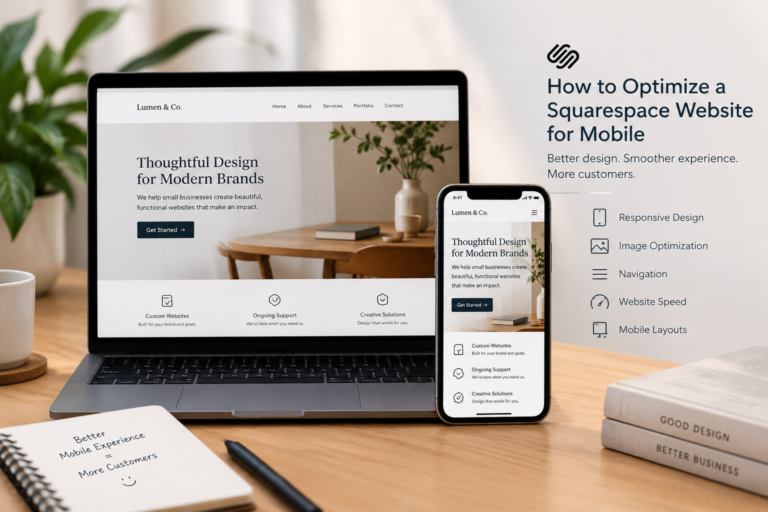
People visit websites using smartphones, tablets, laptops, and desktop computers. Your website should provide a comfortable experience across these different screen sizes.
Responsive web design helps a website adapt to the device being used.
When you hire a web Designer with graphic design skills, ask how they handle responsive layouts. A design that looks excellent on a desktop may not work well on a smaller screen without adjustments.
For example, a large banner may need a different crop on mobile devices. A multi-column layout may need to become a single column. Buttons may also need more space so visitors can tap them easily.
Typography is another important factor. Text should remain readable without forcing visitors to zoom in or scroll horizontally.
Images also need careful attention. Large, unoptimized graphics can slow down a website and create a frustrating experience.
A professional designer should consider both visual quality and performance. They should test important pages on different devices and correct layout problems before launch.
Responsive design is especially important for business websites because potential customers may discover your services while browsing on their phones.
Remember: Your website should look professional and remain easy to use, regardless of screen size.
5. Create Custom Graphics That Make Your Website Stand Out
Custom graphics can make your website more engaging and help explain your services.
These graphics may include website banners, icons, illustrations, promotional images, infographics, and section backgrounds. When used appropriately, they can communicate information more clearly than plain text alone.
A web Designer with graphic design skills can create or adapt these visual elements to match your brand.
For example, a fitness coach might use custom graphics to explain training programs. A real estate business could use branded property banners. A technology company might need simple illustrations to explain complex services.
Custom graphics also help your website feel more personal. Instead of relying entirely on stock images, you can use visuals that reflect your business and its unique value.
However, every graphic should have a purpose. Too many decorative elements can make pages cluttered and distract visitors from important information.
Your designer should also optimize image file sizes and use suitable formats. This helps balance image quality with loading speed.
When you hire a professional who understands both design disciplines, you can create a more consistent visual experience without sacrificing usability.
6. Support Your SEO and Website Performance
Search engine optimization (SEO) helps search engines understand your content and helps people discover your website through relevant searches.
Although graphic design alone cannot improve rankings, thoughtful website design can support several important SEO practices.
A web Designer should understand how page structure, mobile usability, image optimization, and loading performance affect the overall website experience.
For example, clear headings help organize content. Descriptive image alt text can explain meaningful images to visitors who use screen readers and can help search engines understand image content.
Optimized images can reduce unnecessary page weight. A clean navigation structure helps visitors find important pages and helps search engines discover site content.
Your designer should also make sure that important text is available as readable website content rather than placing essential information only inside images.
Other SEO tasks may require a developer or SEO specialist. These include technical audits, structured data, keyword research, content strategy, and advanced performance improvements.
Before hiring, ask which SEO tasks are included in the project. Do not assume that every web designer provides a complete SEO service.
A well-designed website creates a strong foundation, but rankings also depend on content quality, competition, technical factors, and other signals.
7. Save Time and Make Your Website Project Easier
Building a website often involves several tasks. You may need layouts, graphics, image editing, typography, responsive design, and visual branding.
If different professionals handle each task, you may need to spend extra time coordinating their work.
Hiring a web Designer who also understands graphic design can simplify this process. One professional can manage more of the visual work and help maintain consistency throughout the project.
For example, your designer may create a homepage layout, prepare branded banners, select fonts, and design service sections using the same visual direction.
This can reduce unnecessary back-and-forth and make design revisions easier to manage.
However, the exact benefits depend on the designer’s experience and the project scope. A complex website may still require a separate developer, copywriter, SEO specialist, or accessibility expert.
Before starting, discuss your goals, required pages, timeline, budget, and expected deliverables.
Ask for a clear proposal that explains what is included and how revisions will work. Review the portfolio and confirm that the designer has experience with projects similar to yours.
The right professional should communicate clearly, understand your needs, and explain their design decisions.
A well-planned project helps you avoid confusion and gives your website a clearer path from the initial idea to launch.
How to Choose the Right Web Designer for Your Business
Now that you understand the benefits, the next step is finding a suitable professional.
Start by reviewing the designer’s portfolio. Look for live websites that demonstrate visual quality, usability, responsive layouts, and consistent branding.
Ask whether they can create custom graphics or whether they rely entirely on existing templates and stock images.
You should also discuss the platform you want to use. Depending on your needs, this might be WordPress, Squarespace, Wix, or another website platform.
Here are some questions to ask before hiring:
- Can you share examples of websites you have designed?
- Do you have experience with graphic design and brand identity?
- Will my website work well on mobile devices?
- Can you optimize images and basic on-page SEO elements?
- What is included in your project price?
- How many revisions are included?
- Will I be able to update my website after launch?
- Do you provide maintenance or ongoing support?
A professional should give clear answers and realistic expectations.
Do not choose a designer based on price alone. Consider their skills, communication, portfolio, and understanding of your business goals.
Most importantly, make sure the designer understands that your website must do more than look attractive. It should help people understand your services and make it easy for them to contact you.
Final Thoughts
Choosing the right web Designer can make a meaningful difference to your online presence. When that professional also has graphic design skills, you can bring visual creativity, branding, and website usability together.
From creating an attractive layout to improving navigation and preparing custom graphics, these skills can help your business present itself more professionally.
A successful website also needs responsive design, readable content, suitable performance, and a clear purpose. Graphic design is an important part of the process, but it should work alongside these other elements.
Before hiring, review the portfolio, discuss your goals, and confirm the services included in the project.
If you want a website that reflects your brand and provides a better experience for your visitors, consider working with a professional who understands both web design and graphic design.
Ready to improve your website? Visit RaselKabir.com to explore web design services and discuss your website project.
Frequently Asked Questions (FAQs)
A web Designer with graphic design skills can combine attractive visuals with practical website layouts. They can help create consistent branding, custom graphics, readable content, and a user-friendly experience.
Web design focuses on website layouts, navigation, responsiveness, and user experience. Graphic design focuses on visual communication through typography, colors, images, illustrations, and other graphics. The two disciplines often complement each other.
Yes, a web designer can support SEO through responsive layouts, clear page structure, optimized images, and user-friendly navigation. However, complete SEO may also require keyword research, content optimization, technical SEO, and ongoing work.
Review the designer’s portfolio, check their experience, and ask about responsive design, graphic design, communication, and project pricing. Choose someone who understands your business goals and can explain their process clearly.
It depends on your needs and budget. A template can be a practical option for a simple website. A professional web designer can customize the layout, branding, and user experience to better match your business requirements.
A professional should build or configure your website to work across different screen sizes. Ask the designer to test important pages, menus, forms, images, and buttons on smartphones and tablets.
The cost depends on the number of pages, design complexity, required graphics, website platform, and additional features. Request a detailed quote before starting so you understand the deliverables, timeline, and revision policy.